Blog

Top 10 Moodle Customization Tips for 2025

posted by Magic Moodle Magic Moodle   | November 22, 2025


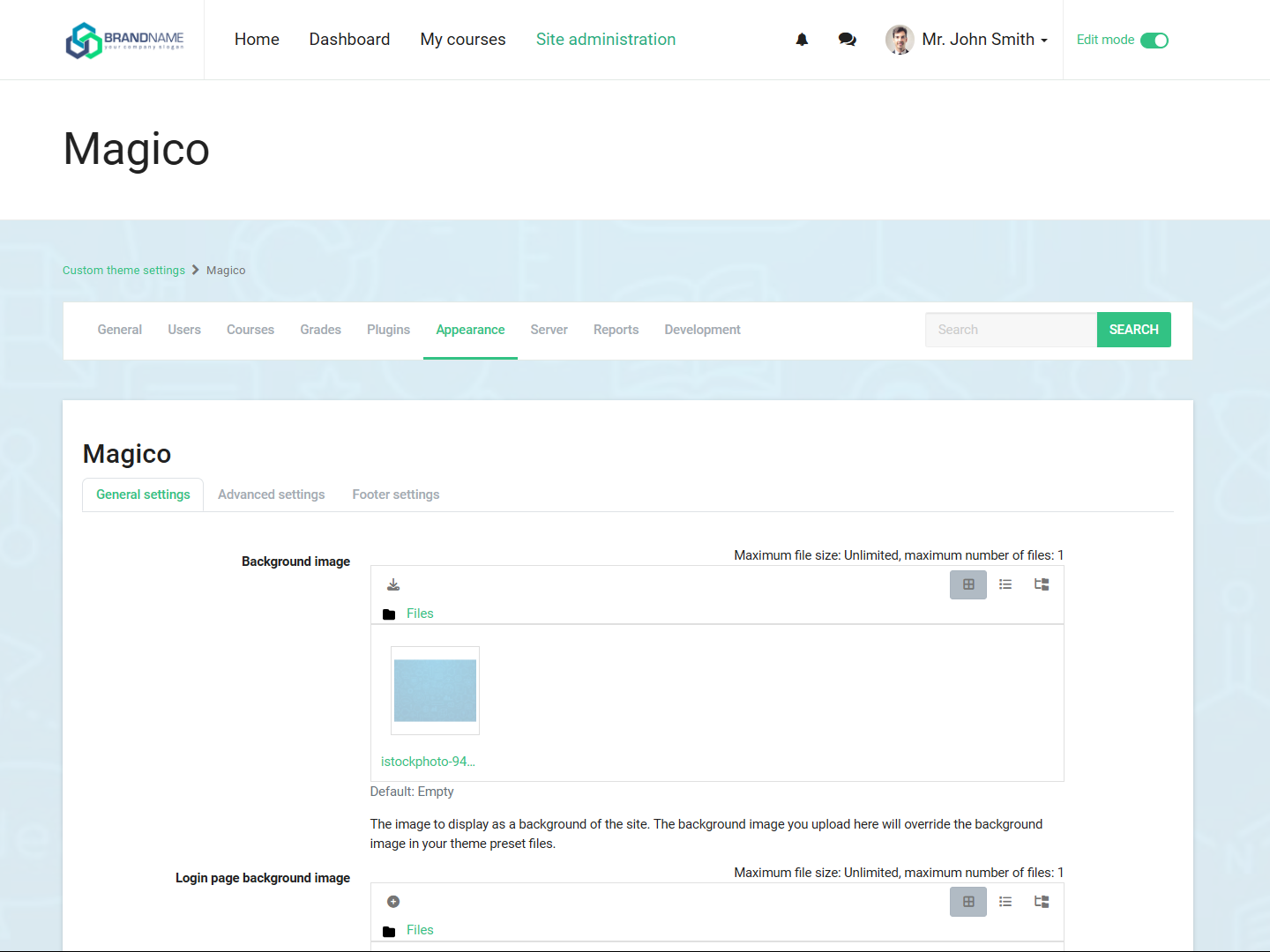
Moodle Customization Settings 2025

🎨 In today's competitive eLearning landscape, a one-size-fits-all approach to your Moodle platform simply won't cut it. Customization is key to creating an engaging, effective learning environment. Here are the top 10 Moodle customization tips for 2025 that will help you stand out and deliver exceptional learning experiences.

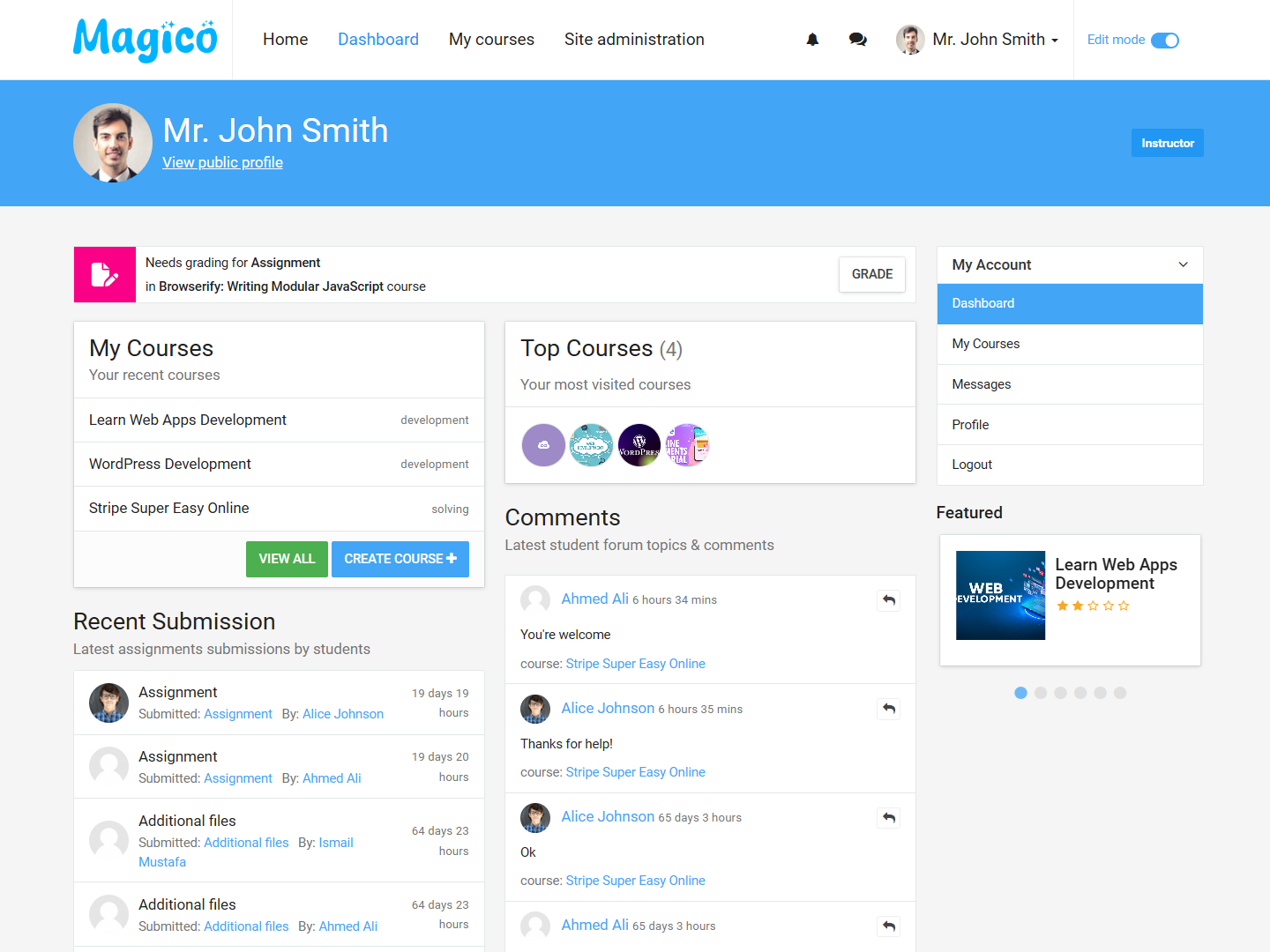
1. Personalize the Dashboard with Custom Blocks

Transform your Moodle dashboard into a powerful command center by adding custom blocks that display relevant information to different user roles. Consider adding:

  • Upcoming deadlines and events
  • Course completion progress
  • Quick access to frequently used features
  • Announcements and notifications
Pro Tip: Use the Magico Theme's drag-and-drop block system to easily customize your dashboard without any coding knowledge!

2. Implement a Mobile-First Design

With over 60% of learners accessing courses via mobile devices, a responsive design is no longer optional. Ensure your Moodle site is mobile-friendly by:

  • Using a responsive theme like Magico
  • Optimizing images and media for mobile viewing
  • Testing on various devices and screen sizes
  • Enabling touch-friendly navigation elements

3. Customize the Login Page

Make a great first impression by customizing your Moodle login page. You can:

  • Add your institution's logo and branding
  • Include a welcome message or video
  • Add social media login options
  • Customize the background with your brand colors or images

4. Create Custom Course Formats

Move beyond the standard topics and weekly formats by creating custom course layouts that match your content structure. Consider:

  • Grid layouts for visual appeal
  • Collapsible sections for better organization
  • Custom navigation between course sections
  • Progress tracking indicators

5. Leverage the Power of Plugins

Enhance your Moodle's functionality with carefully selected plugins. Some must-have plugins for 2025 include:

  • Magic AI Assistant for intelligent course support
  • Magical Interactivity Content for engaging learning materials
  • Advanced reporting and analytics tools
  • Gamification plugins to boost engagement

6. Customize the Navigation

Simplify navigation and improve user experience by customizing the main menu and course navigation. You can:

  • Reorganize menu items based on user roles
  • Add custom links to frequently accessed resources
  • Create mega menus for complex site structures
  • Implement breadcrumb navigation for better orientation

7. Personalize the User Experience

Make learners feel valued by personalizing their Moodle experience. Consider implementing:

  • Personalized dashboards based on user preferences
  • Custom learning paths
  • Welcome messages with the user's name
  • Recommendations based on past activity

Did You Know?

Our Magic AI Assistant can automatically personalize the learning experience by analyzing user behavior and preferences, delivering tailored content and recommendations to each learner.

8. Optimize for Performance

A fast-loading site is crucial for user satisfaction and SEO. Improve your Moodle's performance by:

  • Enabling caching
  • Optimizing images and media
  • Minifying CSS and JavaScript
  • Using a content delivery network (CDN)

9. Implement Custom Branding

Strengthen your brand identity by customizing the look and feel of your Moodle site. You can:

  • Customize the color scheme to match your brand
  • Add your logo and favicon
  • Create custom email templates
  • Design a custom login page

10. Gather and Act on User Feedback

Continuously improve your Moodle site by collecting and acting on user feedback. Consider:
  • Adding feedback forms throughout the site
  • Conducting user testing sessions
  • Monitoring analytics to identify pain points
  • Creating a feedback loop to show users their input is valued
Ready to Transform Your Moodle? Our team of experts can help you implement these customizations and more. Contact us today for a free consultation!
#MoodleCustomization #eLearningDesign #LMS #OnlineLearning #EdTech2025

Related Posts

The Ultimate Guide to Magico Theme

Transform your Moodle with our powerful theme
The AI Revolution in Moodle

Discover how AI is transforming eLearning